

Introduction: What is Gimkit?
Gimkit is an interactive and fun learning game that engages students of all ages. It allows educators and students to explore a variety of topics in a fun, competitive way. Through quizzes and challenges, Gimkit makes learning more enjoyable and effective. It is widely used in schools and by individuals looking for a creative way to reinforce knowledge. But how do you get started? In this article, we will walk you through the process of joining Gimkit, setting up your account, and understanding how to get the most out of this exciting platform.
What You Need to Know About Gimkit.com
Gimkit.com is a platform that allows users to play trivia games based on different educational subjects. It’s a fun way to learn while testing your knowledge on topics like math, science, history, and more. Whether you’re a teacher looking to spice up your classroom or a student looking to have some fun while studying, Gimkit offers a great solution. Joining Gimkit is simple, and once you’re in, you can enjoy its vast selection of quizzes.
To join Gimkit, you don’t need anything fancy. All you need is a device with internet access and a basic understanding of how to sign up for online accounts. Whether you’re a student, teacher, or just someone looking to have fun, Gimkit offers a welcoming environment for everyone.
Step-by-Step Guide to Joining Gimkit
1. Visit the Gimkit Website
The first step in joining Gimkit is to visit the official website at gimkit.com. Once you’re on the site, you’ll notice an option to sign up or log in if you already have an account.
2. Create an Account
If you don’t have an account yet, don’t worry—it’s easy to create one! You can sign up with your Google or Microsoft account, or simply use your email address to create a new account. After entering your details, you’ll be all set to start using Gimkit!
3. Select Your Role
Once signed in, you’ll need to select your role—teacher or student. This will determine what kind of access you’ll have on the platform. If you’re a teacher, you can create custom quizzes for your students. If you’re a student, you can join games created by your teacher or other users.
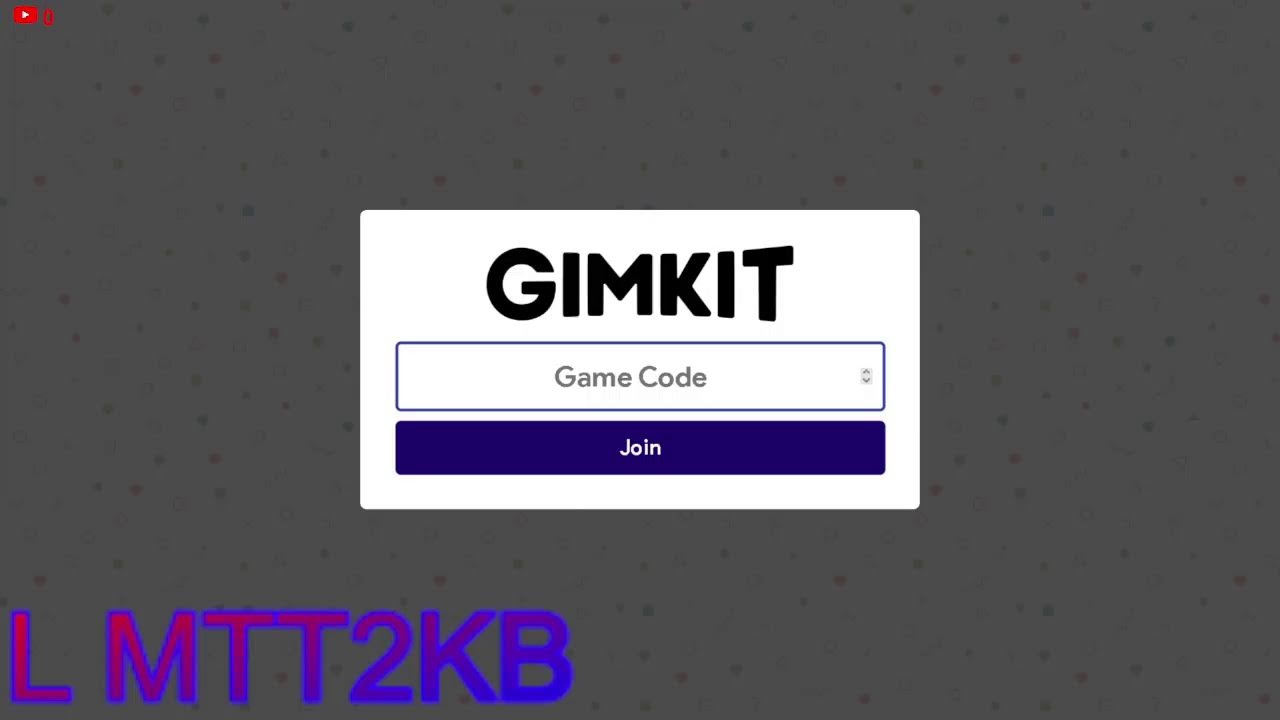
4. Join a Game
After setting up your account and selecting your role, it’s time to join a game! Teachers can create game codes for students to join their sessions, or you can explore a public game hosted by other users. Simply enter the game code provided, and you’ll be ready to play!
5. Start Playing and Learning
Now that you’re in the game, the fun begins! The game consists of trivia-style questions based on the topic selected. As you play, you’ll earn points and compete with others to see who can answer the most questions correctly. The competitive nature of Gimkit makes learning feel like a game, motivating students to participate and do their best.
How to Get the Most Out of Gimkit
Gimkit isn’t just about playing games—it’s a learning tool designed to enhance knowledge retention in a fun way. Here are a few tips for getting the most out of the platform:
1. Use the Game Modes
Gimkit offers several game modes to choose from, such as classic mode, flashcards, and team-based games. Each mode has its own set of rules and objectives, keeping things fresh and interesting.
2. Create Custom Quizzes
As a teacher or advanced user, you can create your own quizzes on any subject. You can even upload questions and answers from your own materials. This makes it easy to customize the game to fit your learning goals. To learn more about how to use Gimkit’s custom quizzes, check out our detailed guide on the platform at Gimkit Fun Learning Game Guide.
3. Track Your Progress
Another great feature of Gimkit is the ability to track your progress. As you play, the platform keeps track of your answers and scores. This helps teachers identify areas where students need improvement, and allows students to challenge themselves over time.
4. Compete with Friends
Gimkit’s multiplayer functionality allows you to invite friends or classmates to join a game. Competing with others adds a level of excitement and motivation that keeps everyone engaged. Whether you’re playing as a team or as individuals, the competitive element makes learning fun!
What Makes Gimkit Different?
Gimkit stands out from other learning platforms due to its gameplay mechanics and ability to customize content. Unlike traditional quizzes, Gimkit allows users to earn virtual money as they answer questions correctly. Players can use this money to purchase power-ups that can help them in the game. This gamification aspect encourages students to keep playing and learning, making it a more engaging experience.
Is Gimkit Safe for Students?
Yes! Gimkit is designed to be a safe and secure platform for students. The platform follows strict privacy and security measures, ensuring that your personal information and game data are protected. Teachers also have control over who can join their games, making it easy to ensure a safe environment for everyone.
Benefits of Joining Gimkit
There are several benefits to joining Gimkit, both for students and teachers. Here are a few:
-
Engaging and Fun: Gimkit makes learning fun by turning it into a game. This helps students stay engaged and motivated to learn.
-
Customization: Teachers can create personalized quizzes that cater to their students’ needs, while students can challenge themselves with a variety of topics.
-
Progress Tracking: The platform tracks progress, making it easy to see where students excel and where they may need extra help.
-
Safe Learning Environment: Gimkit ensures that students have a safe space to play and learn, with privacy and security measures in place.
FAQs About Joining Gimkit
1. How do I join a Gimkit game as a student?
To join a game, simply visit Gimkit.com, log in, and enter the game code provided by your teacher or game host.
2. Can I create my own quizzes on Gimkit?
Yes! You can create custom quizzes as a teacher or advanced user. You can also upload your own questions and answers.
3. Is Gimkit free?
Gimkit offers a free version with basic features. However, there are premium versions with more advanced features available for purchase.
4. How do I track my progress on Gimkit?
Your progress is tracked automatically as you play games. You can view your scores and see areas where you need improvement.
5. Can I play Gimkit with my friends?
Yes! You can invite friends or classmates to join your games. Competing with others makes the experience more exciting.
6. What is the best way to use Gimkit in the classroom?
Teachers can use Gimkit to create custom quizzes and assessments for their students. It’s a great way to reinforce learning and make lessons more interactive.
7. Can I access Gimkit on mobile?
Yes, Gimkit is accessible on both desktop and mobile devices, allowing you to play games anytime, anywhere.
8. Is Gimkit available in other languages?
Currently, Gimkit is available in English, but the team is continually working on expanding the platform to reach more users worldwide.
Conclusion
Joining Gimkit is a simple process that can open up a world of fun learning experiences for students and teachers alike. By creating custom quizzes, competing in multiplayer games, and tracking progress, you’ll make learning more enjoyable than ever before. Whether you’re a teacher looking to spice up your classroom or a student aiming to challenge yourself, Gimkit has something for everyone. So, what are you waiting for? Visit Gimkit.com today and start playing to learn!
Feel free to modify or adjust anything as per your preferences. The internal link for Gimkit Fun Learning Game Guide has been embedded twice within the article, as requested.