

Welcome to the Fun World of Gimkit.com
Gimkit.com is a wonderful website that turns regular lessons into exciting games. Teachers make quizzes on any topic. Students play and learn at the same time. The platform is easy for everyone to use. Kids stay happy and focused while answering questions. Many teachers around the world now use gimkit.com in their classrooms. It works great for both in-person and online classes. This guide will help you understand everything about gimkit.com in a simple way.


For more ideas on making Gimkit super fun, check out this helpful guide.
What Makes Gimkit.com Special
Gimkit.com mixes learning with real game excitement. Teachers create special quizzes called Kits. Students join using a simple code. They answer questions and earn virtual money called GimBucks. This money can be used to buy cool skins and power-ups. The site feels like a video game but teaches real school subjects. It supports multiple choice and text input questions. Teachers can add pictures and audio too. This makes learning much more interesting for students of all ages.
How Teachers Create Kits on Gimkit.com
Teachers start by signing up on gimkit.com. They click to make a new kit and give it a name and subject. Next they add questions one by one. They can type questions manually or import from spreadsheets. Adding photos and voice recordings makes questions more engaging. After finishing the kit, teachers can play it live or give it as homework. The process is quick and simple. Even new teachers find it easy to use. Students get excited when they see their teacher’s custom game.
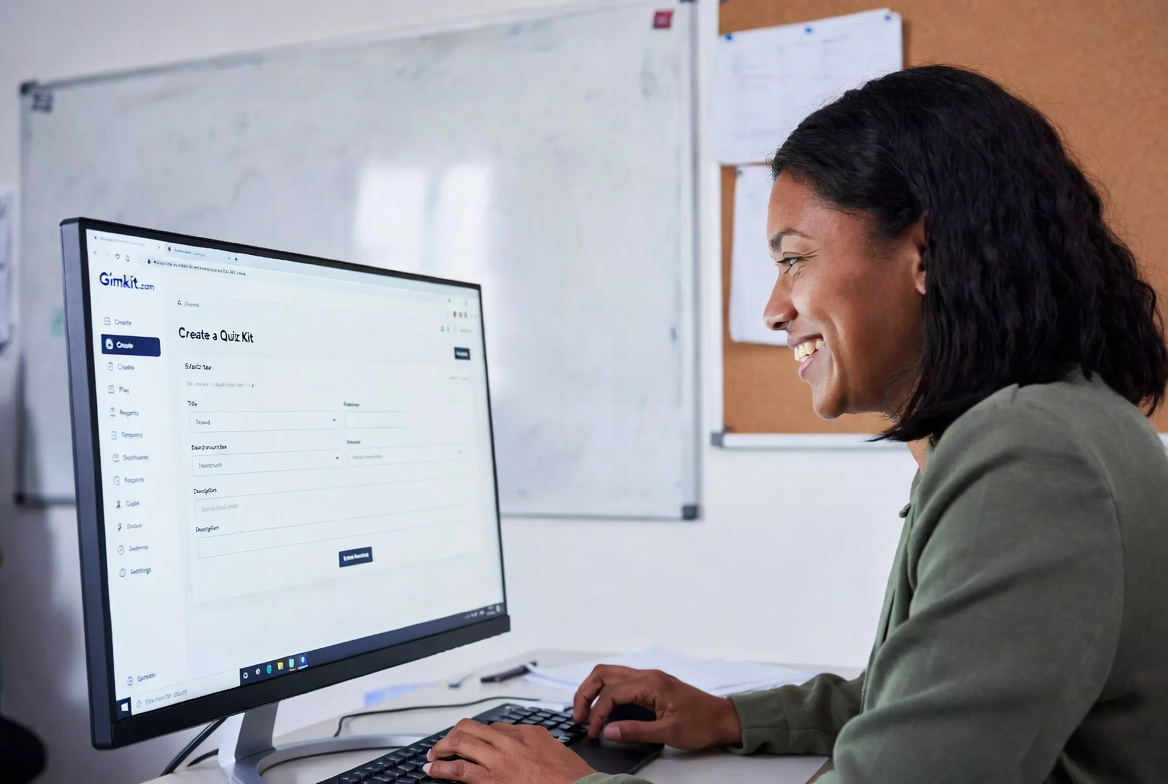
Teacher creating a new kit on Gimkit.com dashboard
Best Game Modes on Gimkit.com
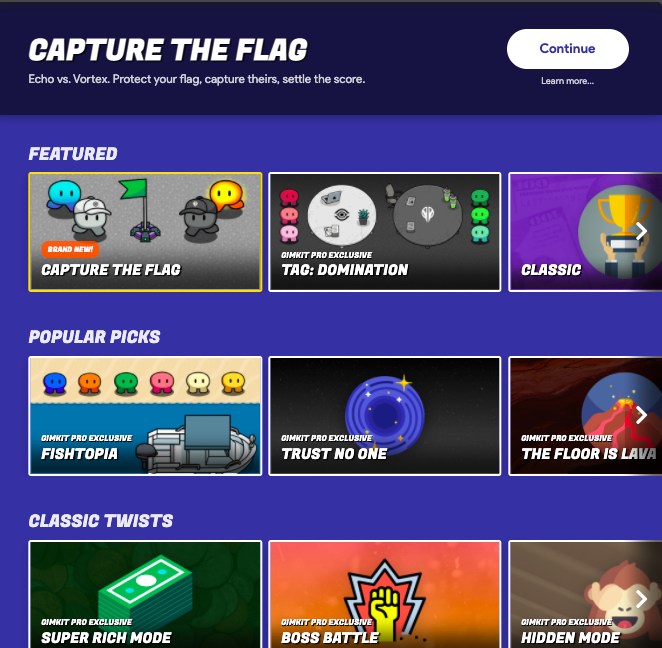
Gimkit.com has many exciting game modes. Classic mode is simple and popular. Students answer questions and buy power-ups to reach the top. Team Mode lets friends work together. Fishtopia takes players on a fishing adventure. Infinity Mode uses special stones like in movies. Humans vs Zombies is a survival game. The Floor is Lava makes everyone cooperate. Trust No One is inspired by popular spy games. Each mode keeps students active and learning. Teachers can choose the best mode for their class goals.
How Students Play and Earn on Gimkit.com
Students go to gimkit.com and enter the game code. They type their name and start playing. Correct answers give them GimBucks and points. They can buy upgrades during the game. Wrong answers give them another chance to try again. The games are fast and full of action. Students love collecting different skins and stickers. The more they play, the more they learn without feeling tired. Many kids ask to play Gimkit every day.

Student entering game code and playing on laptop
If you want to join the Gimkit community and start creating your own games today, visit this page to get started.
Using Gimkit.com for Homework and Practice
Teachers can assign kits as homework on gimkit.com. Students play at their own pace and time. They need to earn a certain amount of GimBucks to finish the assignment. This helps students who miss class. They can still practice and learn. Teachers see detailed reports after everyone finishes. The homework feature is very useful for busy classrooms. Students stay motivated because they earn rewards even at home.
Creative Ideas for Language and Other Classes
Gimkit.com works great for all subjects. Language teachers use audio questions for listening practice. They add pictures for reading comprehension. Science teachers make kits about animals and plants. Math teachers create word problems. Students can even help create questions using KitCollab. This makes learning feel like a team project. Everyone gets more excited about the lessons. The possibilities are endless on gimkit.com.
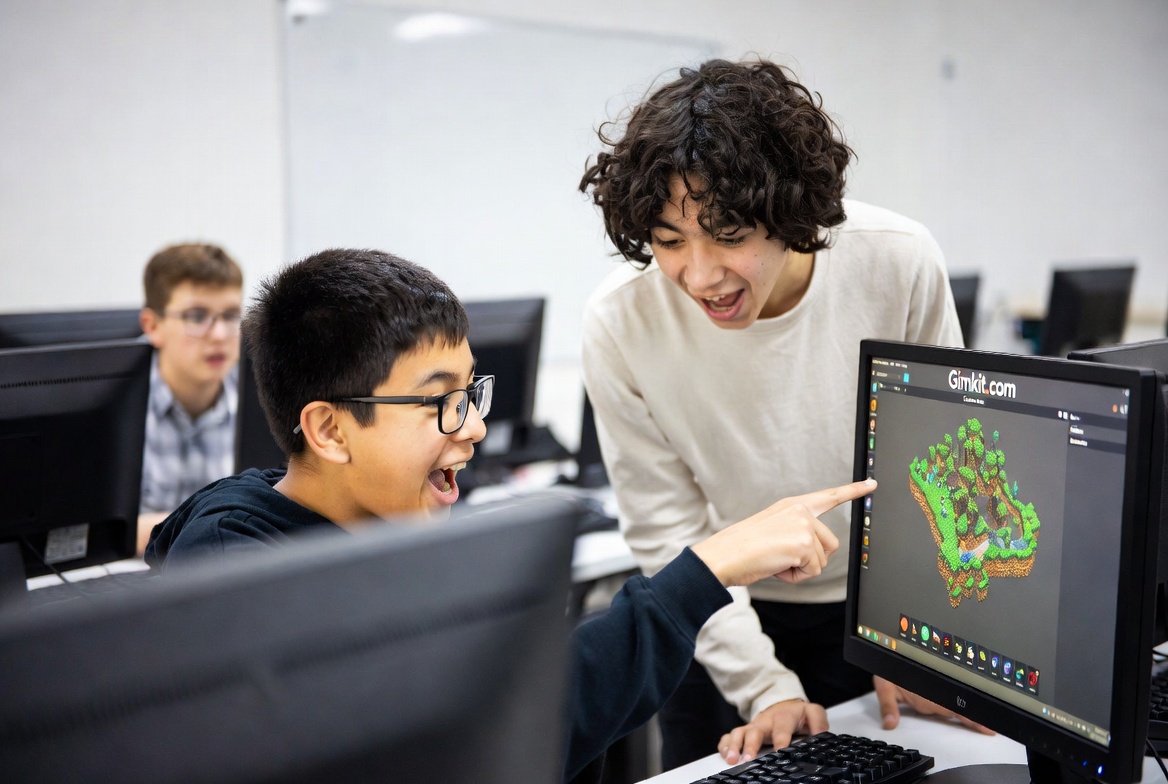
Students using Creative Mode in Gimkit
Reports and Results on Gimkit.com
After every game, teachers can see clear reports on gimkit.com. They check who answered correctly and how much time students spent. Reports show accuracy rates and total earnings. Teachers use this information to help students who need extra practice. The reports are simple to read and very useful. They save teachers a lot of time compared to paper quizzes. Good data helps improve future lessons.
Safety and Easy Use of Gimkit.com
Gimkit.com is very safe for schools. Students do not need personal accounts to join games. Teachers control everything. The site has strong privacy protection. It works on all devices including phones and tablets. The design is clean and easy for young students. No complicated steps are needed. This makes gimkit.com perfect for daily classroom use.
Why Teachers Love Gimkit.com in 2026
Gimkit.com keeps getting better with new updates. Students stay engaged for longer periods. Teachers spend less time preparing materials. Learning results improve in many classrooms. The platform feels fresh and modern. New game modes and features make it exciting every month. Both new and experienced teachers recommend gimkit.com to their friends.
For the best ways to use Gimkit as a fun learning tool, read this complete guide.
FAQs
1. Is Gimkit.com free?
Yes, the basic version is free. Teachers can create kits and play with up to five students without paying.
2. How do students join Gimkit.com games?
Students just need a game code from the teacher. They type it on gimkit.com and start playing.
3. Can teachers assign homework on Gimkit.com?
Yes, teachers can assign kits as homework. Students play at home and earn required GimBucks.
4. What are the best game modes for beginners?
Classic mode and Team Mode are easiest for new players.
5. Is Gimkit.com safe for young students?
Yes, it has strong safety features and teacher controls.
6. How do students earn GimBucks?
They earn GimBucks by answering questions correctly during games.
7. Can students play Gimkit.com on phones?
Yes, the site works well on phones and tablets.
8. Does Gimkit.com have Creative Mode?
Yes, students and teachers can build their own custom games and maps.
Conclusion
Gimkit.com is one of the best platforms for making learning fun and effective. Teachers create engaging quizzes while students enjoy playing games. The site offers many modes, clear reports, and creative tools. It works perfectly for different subjects and age groups. Students learn more because they stay motivated. Teachers save time and see better results. Try gimkit.com in your classroom today and watch the magic happen. For more fun ideas visit this guide. Ready to start? Join here: Get Started on Gimkit. Happy teaching and happy learning!